MCP acceptance: a blog post with images
This post was created entirely through the MCP endpoint — without the desktop client.
What was tested
- Reading the site list and the media folders
- Uploading two images into the Images folder
- Creating the category Acceptance
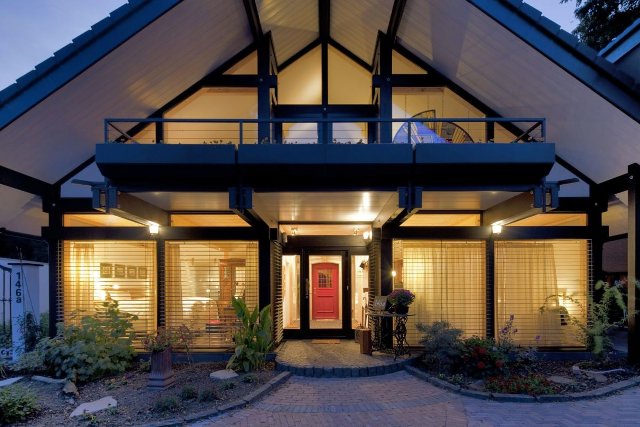
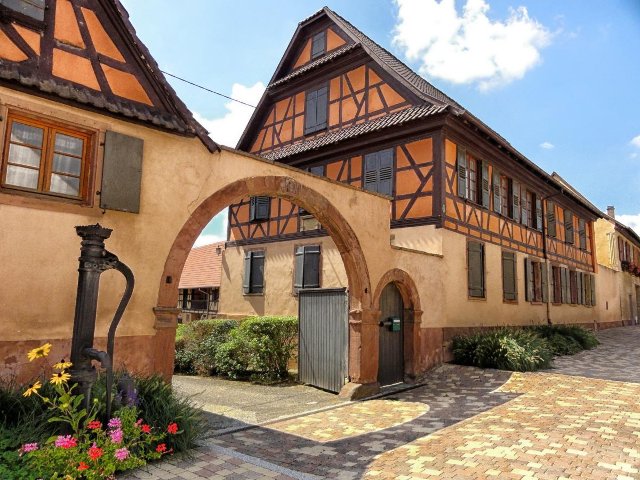
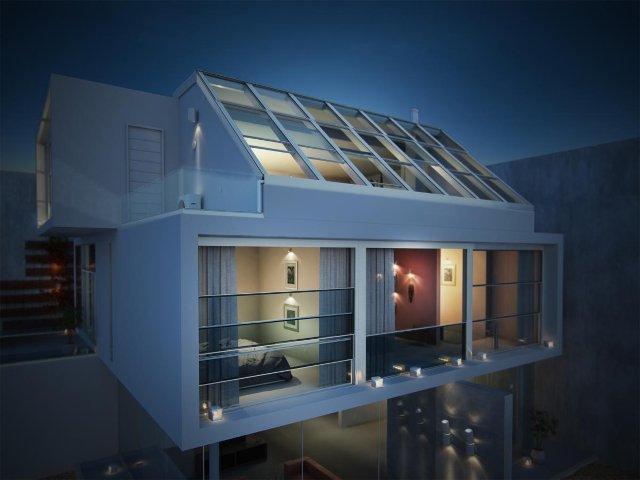
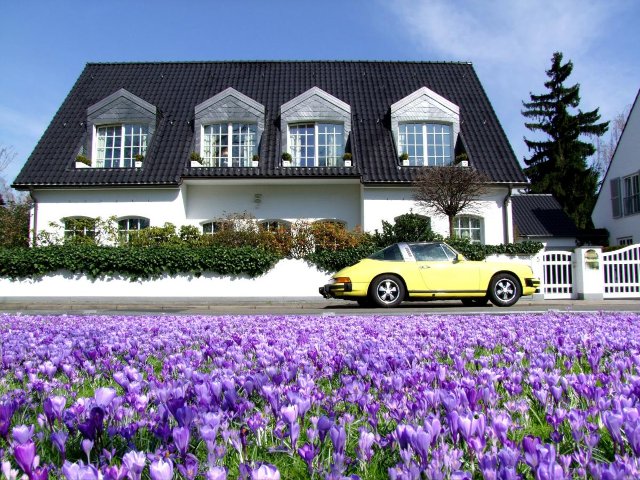
- Saving this post with a title image and a gallery
- Publishing and withdrawing through the publish switch
Addendum
This paragraph was added afterwards through an update with blog_save_post — so the post can be changed over MCP even after publication.
Addendum H002
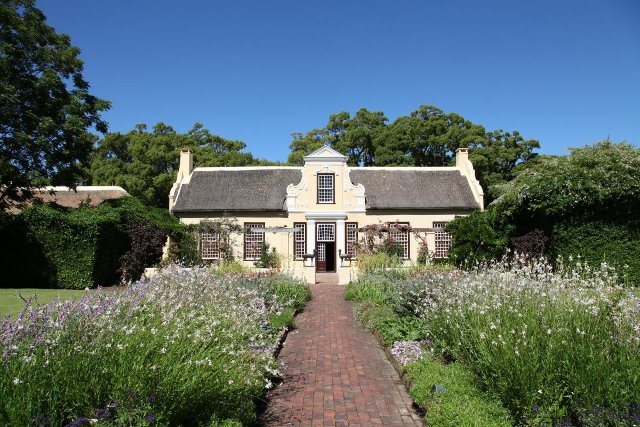
Title image and gallery now carry local photos at full size, uploaded through the one-time upload URLs of the new route (media_begin_upload) — not a single byte of them passed through a language model. The clean-up as well (rebuilding the gallery, deleting old test files) ran entirely through the MCP tools.
Addendum H003
Since the third round the AI also maintains all metadata: SEO fields, visibility window, featured flags, image captions — and the category of this post now has a description, a teaser and a title image.